By Aleks Chojnacki, Head of Partnerships, and Salvatore Salpietro, Chief Growth Officer at Dataro
Almost every nonprofit now uses AI to make things. Almost none use it to decide things.
In 2024, 78% of organizations used generative AI somewhere in their marketing, fundraising, or advocacy programs, but only 12.8% used predictive analytics tools. By late 2025, AI adoption had reached 92%, yet just 7% of nonprofits reported major improvements in what their organization could actually do, and only 4% had documented, repeatable workflows.
The takeaway? Nonprofits are only using AI as a writing assistant, not a decision-making tool.
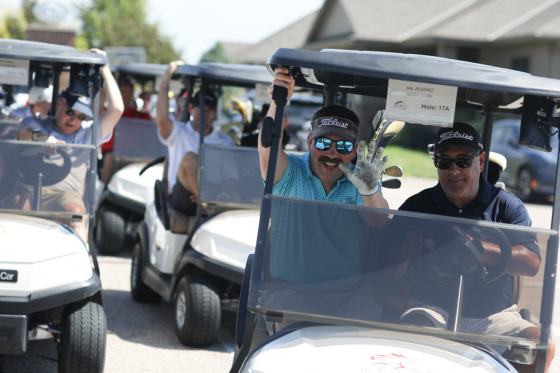
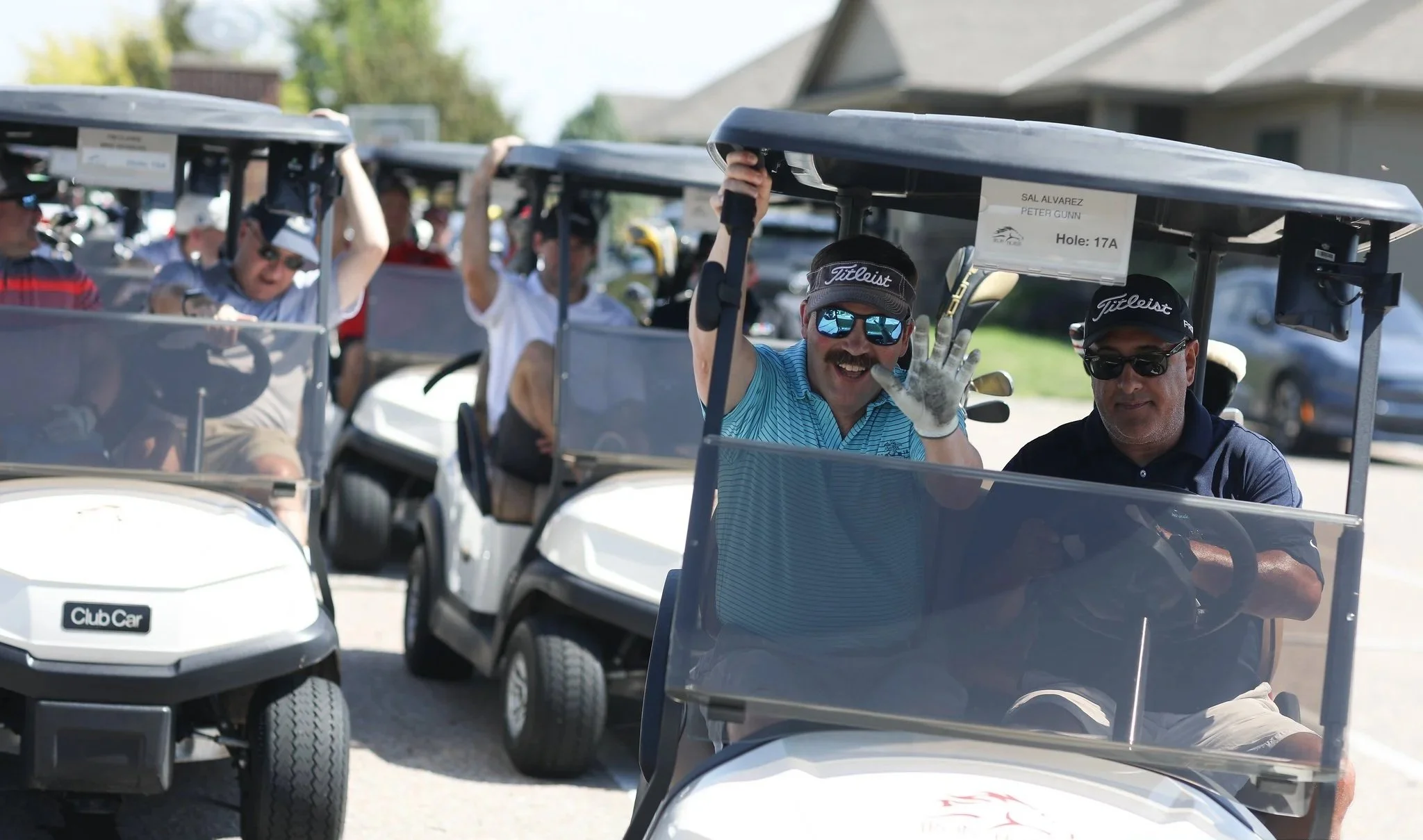
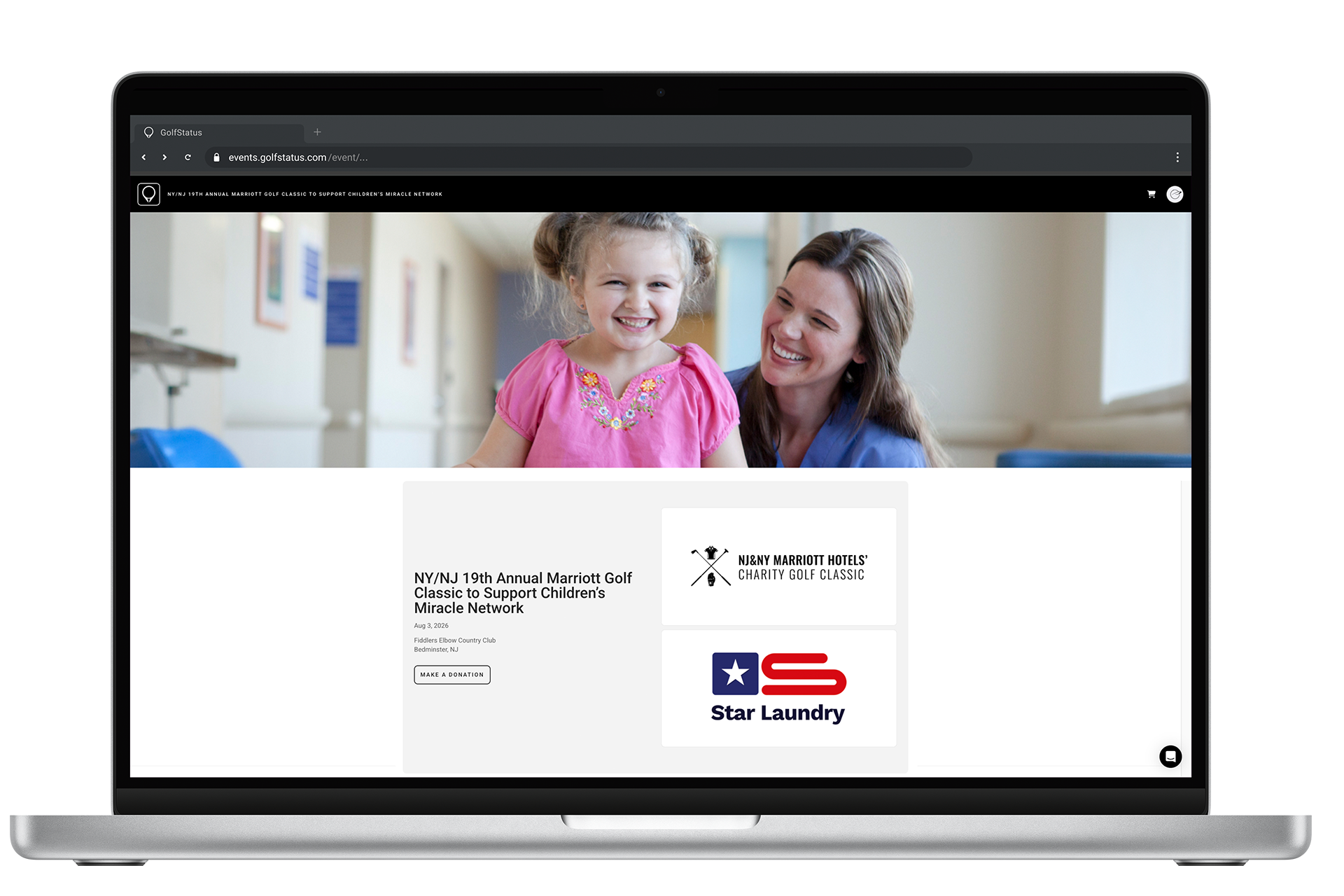
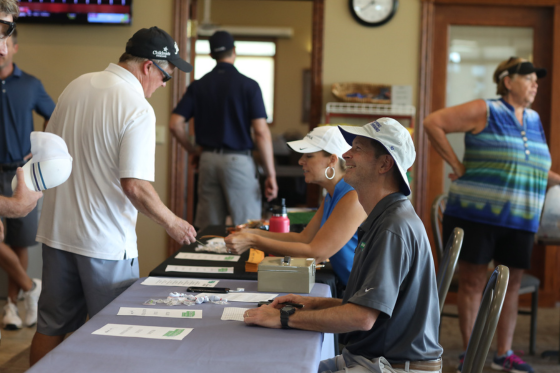
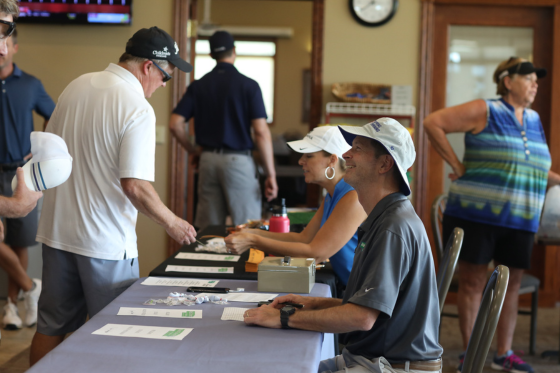
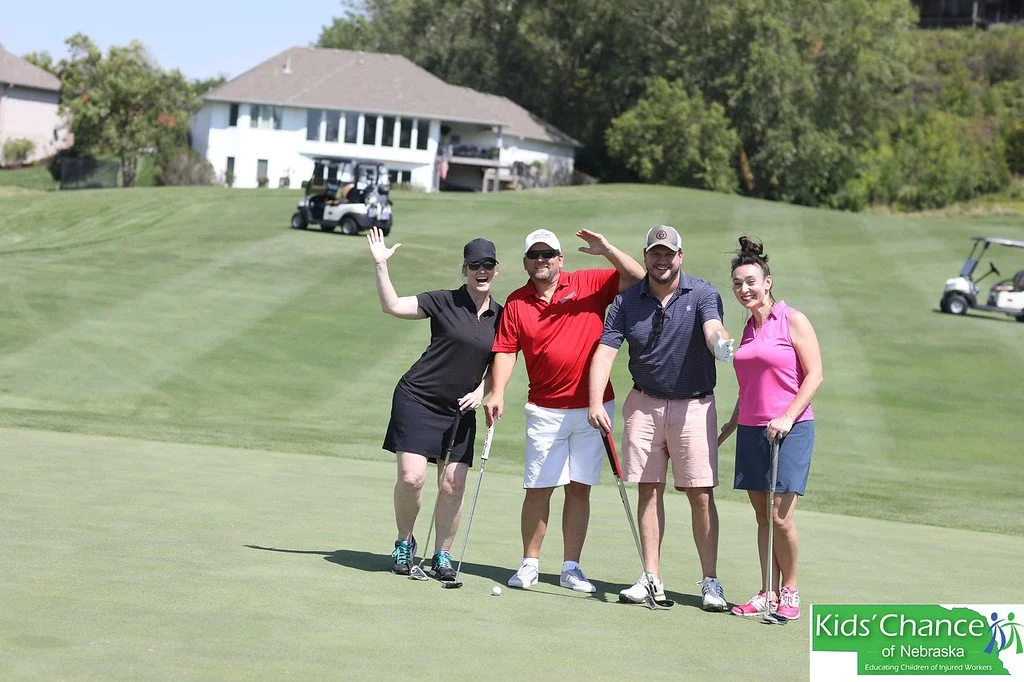
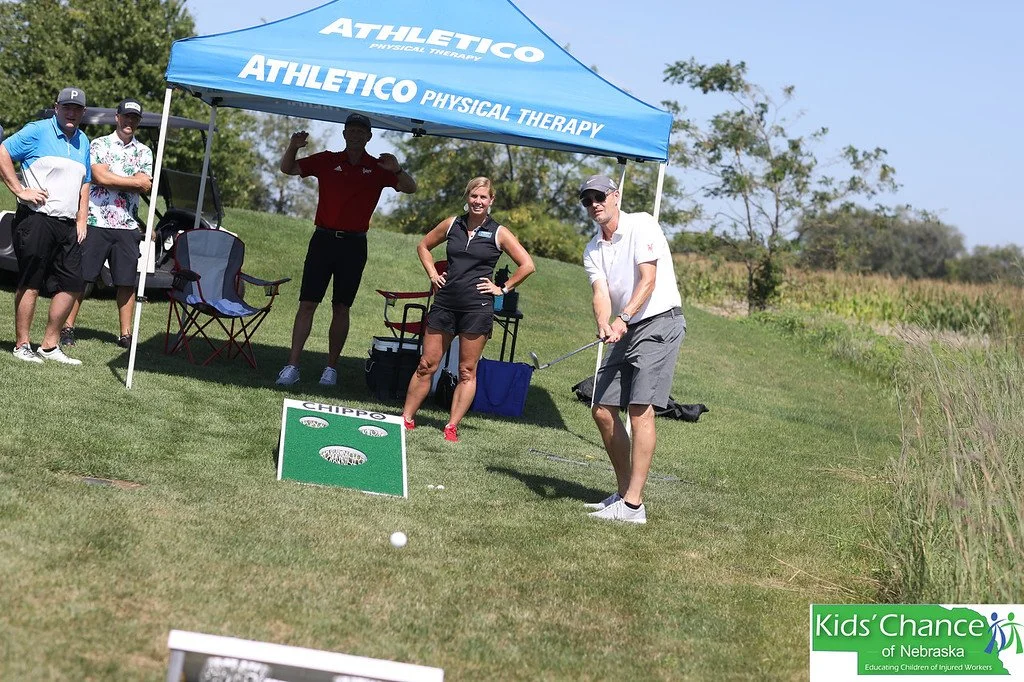
This is especially clear with fundraising events. When we addressed this topic in a webinar hosted by GolfStatus in August 2026, the audience questions were rarely about copy; they were about people. Who do we invite? How do we find sponsors? How do we not waste the round?
Let’s take that question seriously and dive into smart uses of AI for charity golf tournaments.
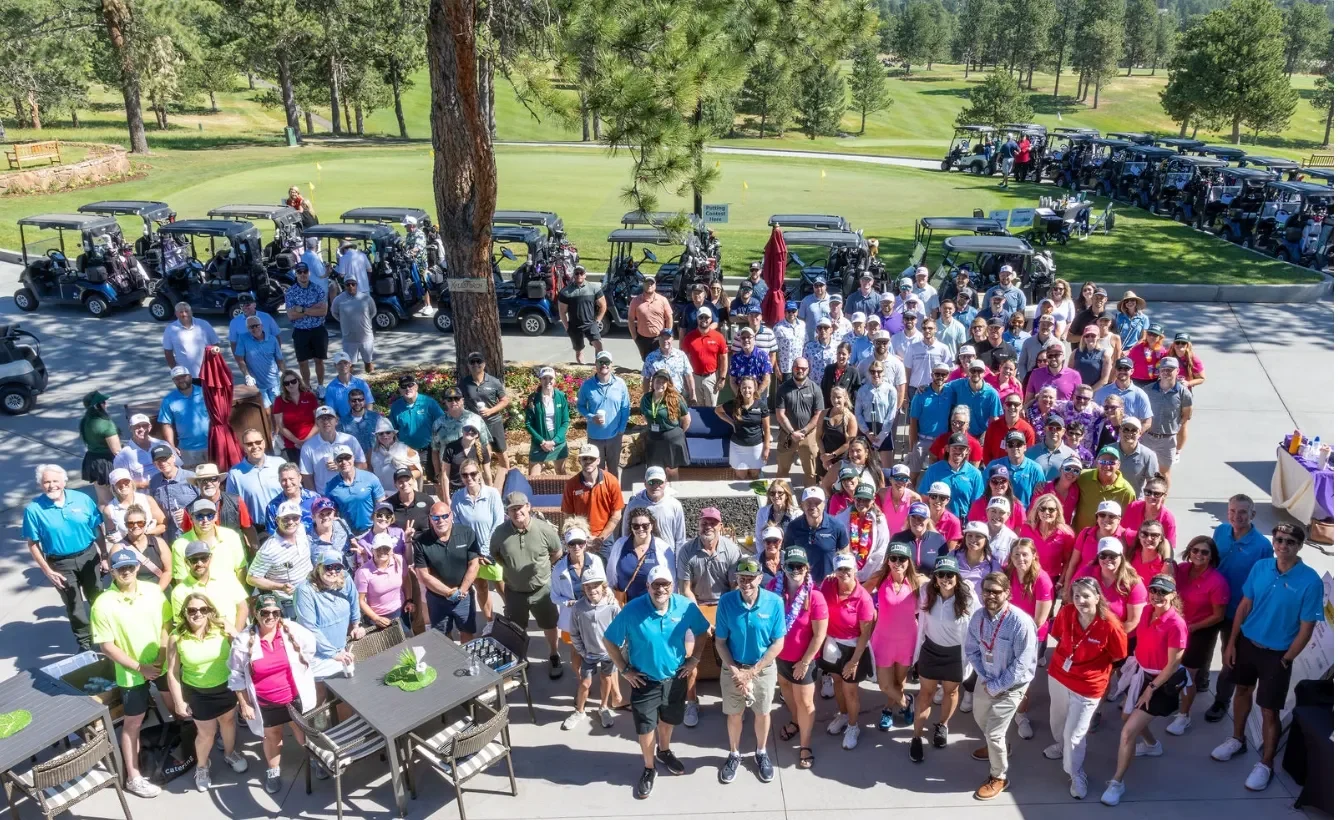
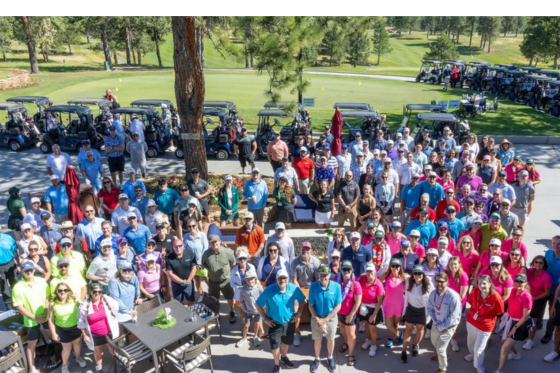
The Biggest Challenge With Fundraising Events: The Invite List
A charity golf tournament typically has a fixed number of spots available. The same goes with galas or other fundraising events.
These events are the most concentrated dose of fundraiser attention on your nonprofit’s calendar: staff hours dedicated to invitations, follow-ups, pairings, event day logistics, thank-yous.
Because of their time-intensive nature, organizations must be strategic and intentional about who they target to fill the event’s field. Inviting individuals simply because they engaged with last year’s communications is equivalent to sending a mass email to your entire database—only with added venue costs.
The good news is that the guest list is a ranking problem, and ranking problems are exactly what predictive AI is for.
The Types of AI In Action
Three different technologies get called "AI," and they do genuinely different jobs. Run a fundraising event, and you can see all three in action in their most effective order, which informs the appropriate human action.
1. Generative AI Creates
Invitations, sponsor proposals, on-course signage copy, and the follow-up that lands 48 hours later while the round is still fresh in someone's mind. This is the part most organizations have already automated, and it is the least valuable of the three on its own. Beautifully written copy sent to the wrong 150 people is still sent to the wrong 150 people.
2. Predictive AI Prioritizes
Instead of simple filtering—i.e., "gave in the last 24 months, gave more than $500"—a propensity model ranks every record by the probability of a specific outcome. Dataro's models are trained on more than one billion de-identified donation events from several hundred nonprofits and rescore every donor weekly.
For a fundraising event, the useful rankings are:
Mid-level readiness
Major gift readiness
Likelihood to confirm a gift in a will
These rankings can then be cross-referenced with those who have actually turned up to an event before. The shift is small to describe, but large in practice. You stop inviting the people you know and start inviting the people most likely to move the needle for your organization.
3. Agentic AI Prepares
Once you determine who is coming, the step is to prepare what to say and who to say it to. Dataro’s ProspectAI compiles a cited, current profile on each guest, reducing prospect research from hours to minutes. A gift officer can network across all 18 holes and know who each person is, what they care about, and what the next ask should probably be, instead of guessing their way around the crowd.
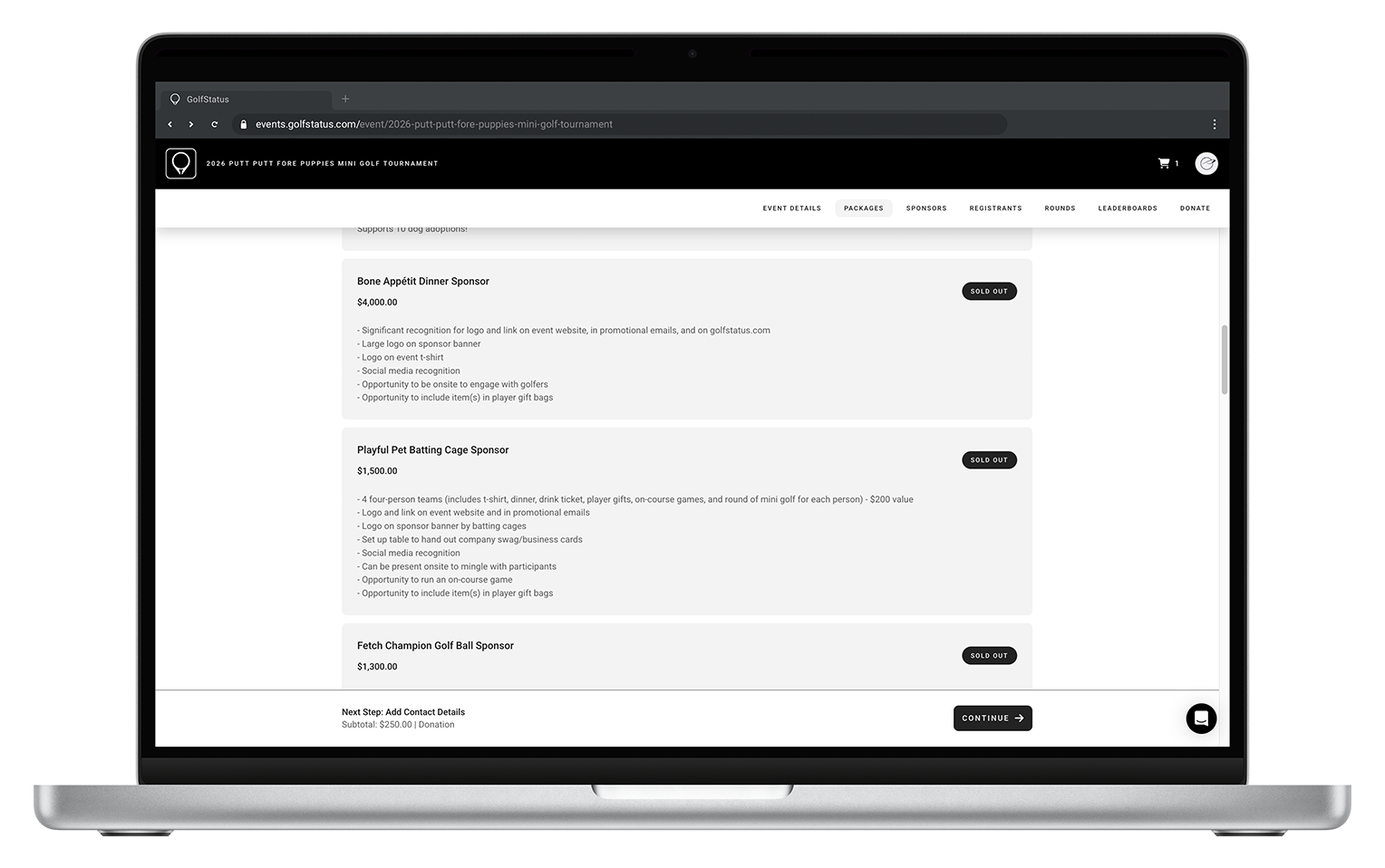
Sponsorships work the same way. Use the models to research companies, find genuine mission overlap, and know who signs the checks before you pitch a single sponsorship.
4. Fundraisers Make the Decision
Fundraisers check the prospect list against what they know about a family's circumstances. They edit the sponsor email that reads a shade too familiar. They decide whether this is the right year to raise the ask, or whether this particular donor should be paired with the executive director’s team on the golf course.
The technology narrows the field and does the preparation, but the judgment about what is appropriate stays where it belongs—in the hands of a human.
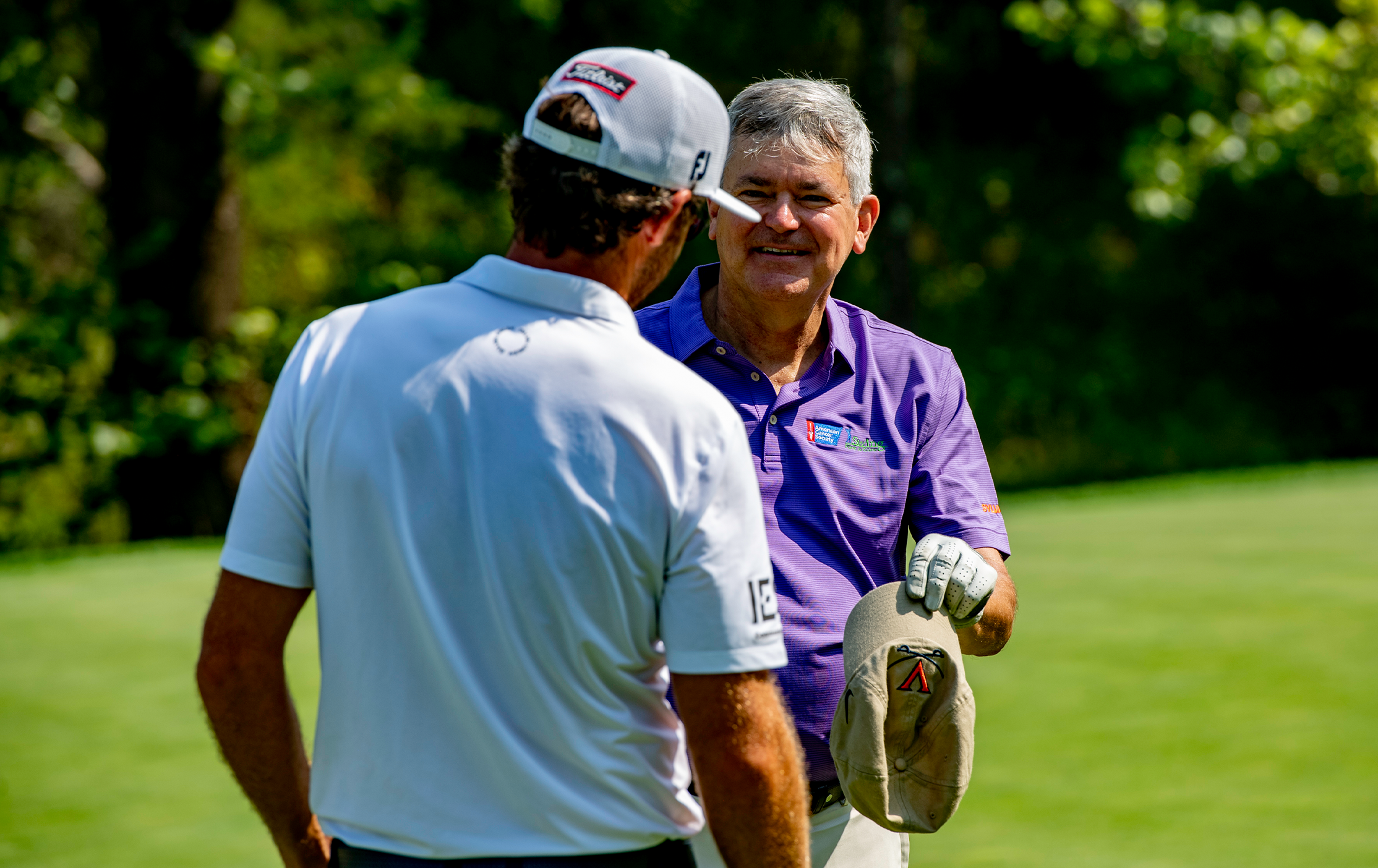
AI has its place, but nothing can replace human interaction.
Does This Actually Work?
Events are hard to A/B test. Direct mail is not, and it’s where the evidence for this method is clearest. Across Dataro's published cases, mailings have been reduced by 37% to 86% with net revenue holding or rising. Consider these examples:
East Cheshire Hospice mailed 58% fewer donors than usual on its spring appeal, but raised 20% more than its revenue target and returned 477% ROI.
UNICEF Australia increased the net revenue of its annual appeal by 26% and campaign ROI by 35% while mailing 15,000 fewer donors and saving AU$30,000 in mailing costs.
Save the Children Netherlands cut its year-end mail file by 66% (around 117,000 fewer contacts), but more than doubled its response rate from 4.94% to 10.29%.
The economics that make this work are getting harder to ignore. U.S. postage rose about 7.4% on average in July 2025 and a further 4.8% in July 2026. Email isn’t the free alternative either: nonprofits raised $54 for every 1,000 fundraising emails sent in 2025, on a 0.05% response rate.
This same logic applies to event invitations, where the cost per contact is typically higher. If ranking your donor list outperforms simple filtering for direct mail, the advantage is even more dramatic for events, where every guest spot represents a substantial investment of staff time.
What Happens After the Round
The other reason to be deliberate about who is in the field is the 12 months after the event, when the same models that built the invite list keep working. Some examples:
Greenpeace used churn predictions to prioritize retention calls and cut cancellations by 10% over three months and 15% over six, retaining 531 monthly donors worth an estimated $235,000 in future revenue.
St Andrew's Hospice used legacy propensity to secure 30 new pledges, around £367,000 in future income.
The tournament, and communication around it, shouldn’t be the only time people hear from your nonprofit. Treat it as the beginning of the relationship rather than the end.
A golf tournament is a fundraising event, but that same golf tournament, when it produces a ranked list of who to call in November, is a fundraising program.
The Guardrail Your Donors Care About
One finding is worth keeping in front of you: asked how they would react to a nonprofit disclosing its use of AI, 32% of donors said it would make them less likely to give, against 14% who said more likely. The wariness is real, though it is softening: the "more likely" figure was 9% a year earlier.
This isn’t an argument against using AI. It is an argument about where to employ it.
Use the technology to analyze the contacts, surface the signals, and rank the opportunities, but let a human fundraiser decide what to do with it. The best applications of AI are the ones where your donors never classify them as AI at all.
The handshake on the first tee stays human. The thank-you call stays human. The conversation on the 14th fairway, the one that turns a player into a major donor three years later, very much stays human. AI doesn’t need to touch any of it to be worth having—it just needs to make sure the right people are standing there.
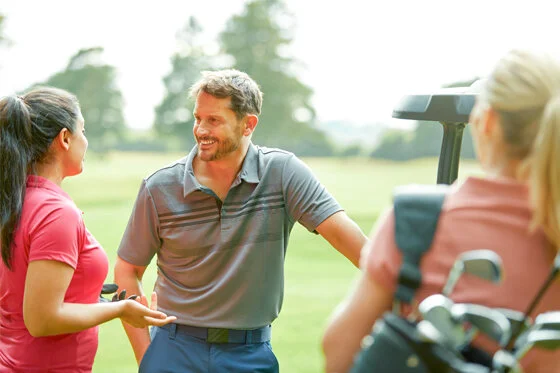
AI is a valuable tool in identifying the right people to invite to your golf event.
Wrapping Up: Start With One Event
If this feels overwhelming, there’s good news—you don’t need to overhaul anything to find out whether this works for you.
Start with your next golf tournament. Rank your contacts by likelihood to give at mid-level, major, and legacy levels rather than by who came last year. Reserve a portion of the field, perhaps a quarter, for that ranked list. Research every one of those guests before they arrive. Then measure what those spots produced against the rest of the field, not just on the day, but 12 months later.
That’s the difference between AI as a technology experiment and AI as a fundraising strategy: you can test it.
The organizations that pull ahead over the next three years will not be the ones writing invitations the fastest. They will be the ones using tools to make better decisions, event after event, about who should be in the room.
About Dataro
Dataro helps fundraising teams decide who to focus on, who to engage, and what to do next—before the budget moves. Its mission is to set a new standard in nonprofit fundraising—where every targeting decision is grounded in data, every ask is made with confidence, and no donor relationship is lost to guesswork.
Aleks Chojnacki, Head of Partnerships at Dataro. As Head of Partnerships, Aleks plays a pivotal role in driving Dataro’s growth and accelerating global partnerships, in particular North American market expansion through strategic collaboration with external partners. Her primary goal is to establish and nurture mutually beneficial relationships that drive market penetration, overall business growth, and customer success.
Salvatore Salpietro, Chief Growth Officer at Dataro. Sal leverages his background spanning technology, digital marketing, and nonprofits to accelerate impact with a deep understanding of the AI solutions advancing the nonprofit sector. He transitioned to Chief Growth Officer at Dataro after serving as a founding employee and holding multiple C-level titles at AI-native platform Fundraise Up. Sal is passionate about optimizing generosity and bridging the technology gap for nonprofits.