
Crunch Time To-Dos: The Month of Your Golf Tournament
Your golf tournament is just around the corner! The month leading up to event day is filled with final checks, logistics, and finishing touches to ensure a great event and a great experience for everyone involved.
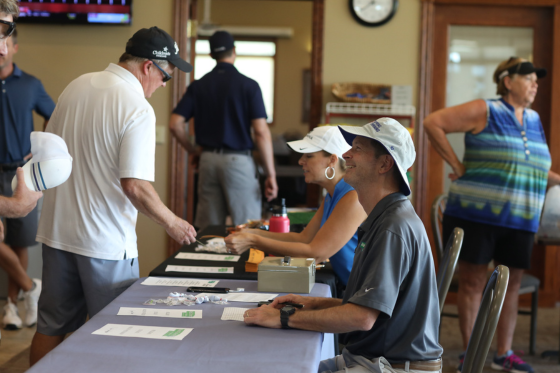
This installment of the blog series walks through the final to-dos for the month of your tournament. Thorough planning and prep will ensure the tournament runs smoothly and you and your team are as stress-free as possible.
It’s important to note that while having more time to plan is usually better, it’s possible to plan a successful golf tournament in a couple of months.
Pre-Planning & Reference
You should be familiar with GolfStatus’ software at this point, but it’s not too late to:
Connect with your GolfStatus Client Success Rep. If you have questions or need software assistance, the GolfStatus support team is there to help seven days a week.
Meet with a Fundraising Specialist. It’s not too late to add a hole-in-one contest, or, depending on how many weeks your tournament is away, secure pin flags or hole signs.
Planning Team & Committee Meetings
Now’s the time to make sure everyone is on the same page. It’s a good best practice to meet at least a couple of times this month to discuss final logistics and outstanding tasks.
Hold bi-monthly committee meetings. Talk through day-of logistics, volunteer assignments, outstanding vendor orders, signage and printing, player gifts, raffle items, event timelines, and other last-minute items.
Meet with volunteers. Hold a meeting and/or provide detailed instructions about volunteer assignments, roles, responsibilities, and who to go to with questions so all volunteers feel confident heading into tournament day.

Keep everyone on the same page by meeting with your planning team regularly in the month leading up to your tournament.
Date & Golf Facility
Stay in touch with golf facility staff in the weeks leading up to the tournament so everyone is on the same page and there are no surprises when tournament day arrives.
Share access to GolfStatus’ backend. If you haven’t already, share access with the golf facility so there are no surprises in the weeks leading up to tournament day. There’s no cost to grant staff at the golf facility access to your GolfStatus tournament management platform’s backend.
Touch base with facility staff on final numbers and logistics. Connect with golf facility staff about any questions or concerns, and to finalize headcounts for carts and any food and beverage the facility is providing. Confirm when you’ll be arriving to set up on tournament day, and what the facility will handle.
Confirm setup times and deliveries. Verify when you’ll be able to access the facility to set up on tournament day, and if you have anything being delivered directly to the course, make sure staff is aware and can keep an eye out for it.
Event Website
Your golf tournament website should be kept current, so golfers, sponsors, volunteers, and supporters can find the latest information about your event (without needing to contact your team).
Make event website updates as needed. Continue to add and update information as needed. Common updates include new raffle prizes or auction items, contest or challenge announcements, special guests, and the event’s schedule. If you have an online bidding link for an auction, now’s a great time to add it to the website.
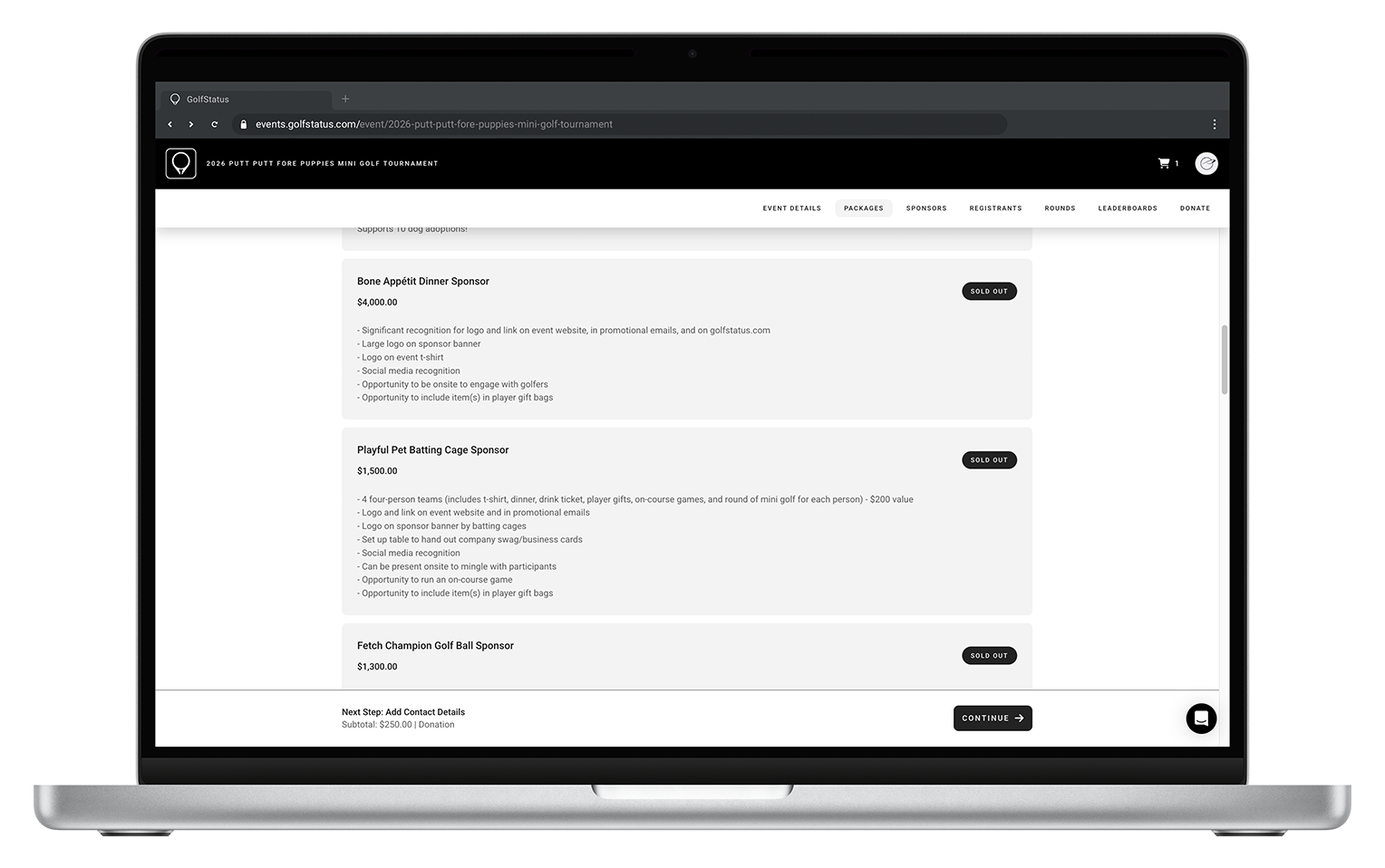
Make sure purchased sponsorship packages are marked as sold on your website leading up to the tournament.
Team & Sponsor Packages
The goal is to have all team and sponsorship packages sold in the month leading up to the tournament. If you don’t, that’s ok! See the promotion section for some suggestions. Now’s the time to touch base with any outstanding sponsorships or payments.
Conduct final follow-ups for sponsorships. Follow up with prospective sponsors with a deadline, which may correlate to the dates you need to send recognition items to print.
Close registration. Keep an eye on how the field is filling, and close registration as necessary. You can offer a waitlist if there are still golfers interested in signing up.
Check on vendor orders. Check dates for any materials—player gifts, prizes, signage—to ensure on-time delivery. Verify where items should be shipped, as you may want items like signage or pin flags delivered directly to the golf facility.
Marketing & Promotion
If you still need to fill teams, check out this blog post for some last-minute promotional ideas.
Send targeted promotional emails as needed. Determine if you still need to fill team slots and send promotional emails to your audience as needed. “Last chance” messaging can be effective ahead of your registration close date. You might also reach out to sponsors to ask them to help spread the word and fill any remaining teams.
Continue social media promo. Keep excitement high! Even if you don’t need to attract more teams, social media is a great place to give sponsor shoutouts, thank raffle or auction item donors, and give updates on donations so far.
Determine a plan for day-of social. Assign a dedicated staff member or volunteer to head up event day social. Post pictures and videos, tag sponsors, and share the fun and excitement of the day. Create a shot list and draft posts ahead of time to make it even simpler for whoever is coordinating day-of social media.
Helpful Crunch-Time Planning Resources
Details & Logistics
It’s crunch time for final details and logistics!
Communicate with participants. Send an email to registrants reminding them of the upcoming event. Include event details and times, live scoring information, parking directions, links to purchase raffle tickets or other add-ons, and any other pertinent information.
Finalize food and beverage. Connect with whoever is providing food and beverage to provide final counts for meals.
Assemble player gifts. Make sure you have all items, purchased or donated by sponsors, in hand. Rally your planning team to assemble any gift bags in the days leading up to the tournament.
Finalize volunteer assignments and roles. Communicate with volunteers a week or two before the tournament to make sure they know where to be, when to be there, and what to do.
Finalize the schedule. Add this information to your event website. Include times for registration, warm-up, shotgun start, and estimates for any post-golf celebrations.
Finalize contests. Whether it’s a hole-in-one contest, putting contest, longest drive, or closest to the pin, make sure you have insurance and prizes lined up and ready to go.
Finalize on-course games or challenges. Ensure you have necessary supplies, volunteers or sponsors to run games, any needed signage, options for on-course payment, and assign holes for each game.
Finalize trophies or other prizes for tournament winners. If you haven’t already, order these now for on-time delivery for tournament day.
Finalize raffle prizes (if applicable). Be prepared to sell raffle tickets on event day. Process them through your event website to keep all tournament income in one place. Make sure you have prizes in hand, tickets, ticket receptacles, and an emcee to announce winners.
Finalize auction details (if applicable). Open bidding for an online auction a couple of weeks in advance to give golfers and guests time to browse. Ensure you have prizes in hand, and if you’re holding a live auction, check in with your auctioneer.
Make hole assignments. Use the hole assignments function in GolfStatus to assign team pairings and starting holes. Golf staff and your GolfStatus client success rep can help you out with this if needed.
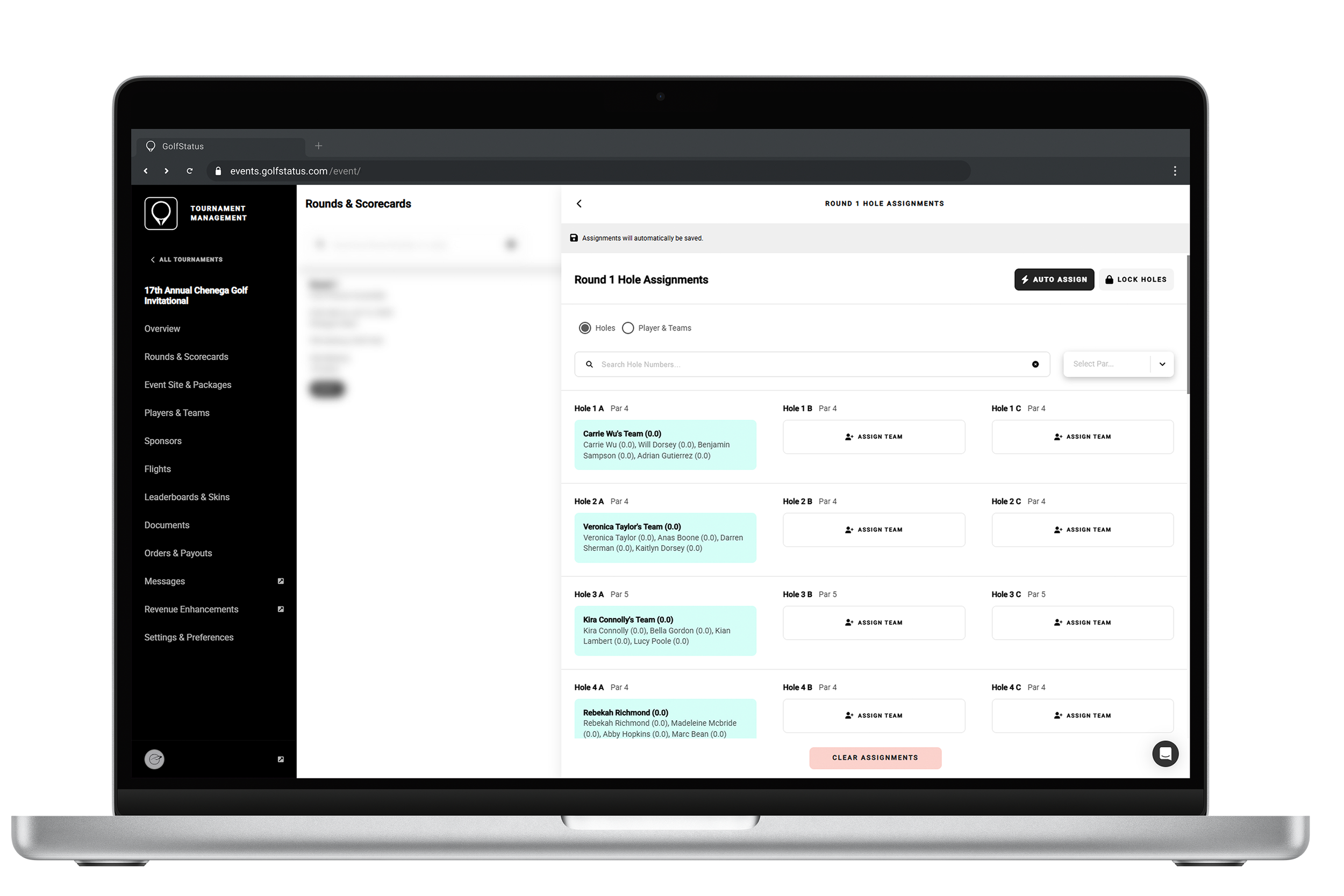
Quickly and easily make hole assignments and team pairings right in the GolfStatus software.
Design and print signage. Recognize sponsors, provide directions and information, and post QR codes that link to your event website where folks can donate. Not a designer? Don’t sweat—use these free Golf Tournament Signage Templates!
Determine setup. Decide where you’ll put your registration table, any on-course donation stations, food stations, and signage. Decide who will set up registration and place signage.
Determine speakers. You’ll need an emcee to welcome golfers and discuss rules to kick off the tournament. This is a great time to share a mission moment and remind golfers what they’re playing to support. Secure any speakers—beneficiaries, sponsors, staff—for post-golf gatherings.
Print documents and prep check-in devices. Use the Documents tab in GolfStatus to access and print pre-formatted cart signs, scorecards (if not live scoring), and other reports. Make sure you have internet access at the clubhouse so you can use the team or individual check-in feature as people arrive.
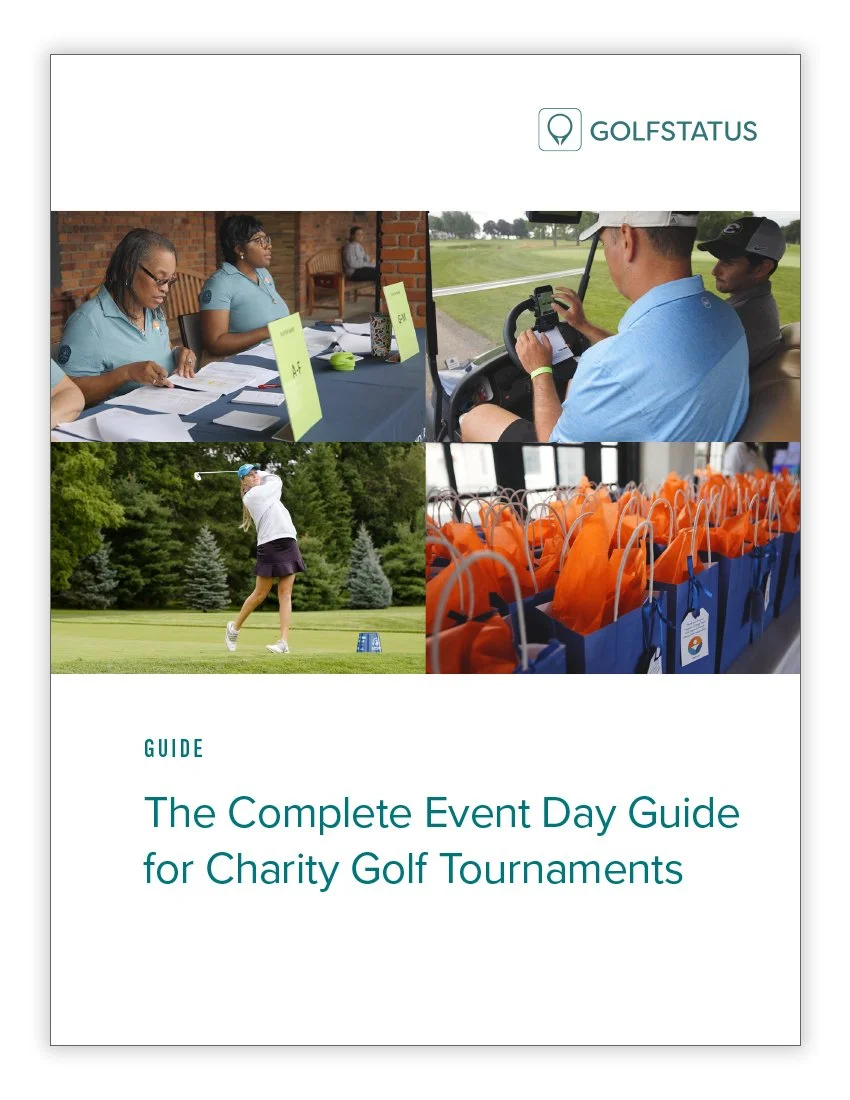
Pack supplies. Make sure you have everything you need for the day. There’s a great packing list in this free Complete Event Day Guide for Charity Golf Tournaments.
Up Next—Tournament Day and Post-Event Follow-Up!
After months of planning, tournament day is right around the corner. You’re prepped and ready—now it’s time to execute a fun, memorable event that raises funds for your mission.
The final installment in this series will cover post-event follow-up, which can help set next year’s tournament up for success.